Tutorial 03 · 0:54
Get answers in a live interview
What happens once your session starts: KlewAI listens to the interviewer, writes your answer in seconds and stays invisible when you share your screen.
Plays from YouTube. By pressing play you agree to the YouTube Terms of Service and our Privacy Policy.
Transcript
Here's how to get answers from KlewAI during a live interview.
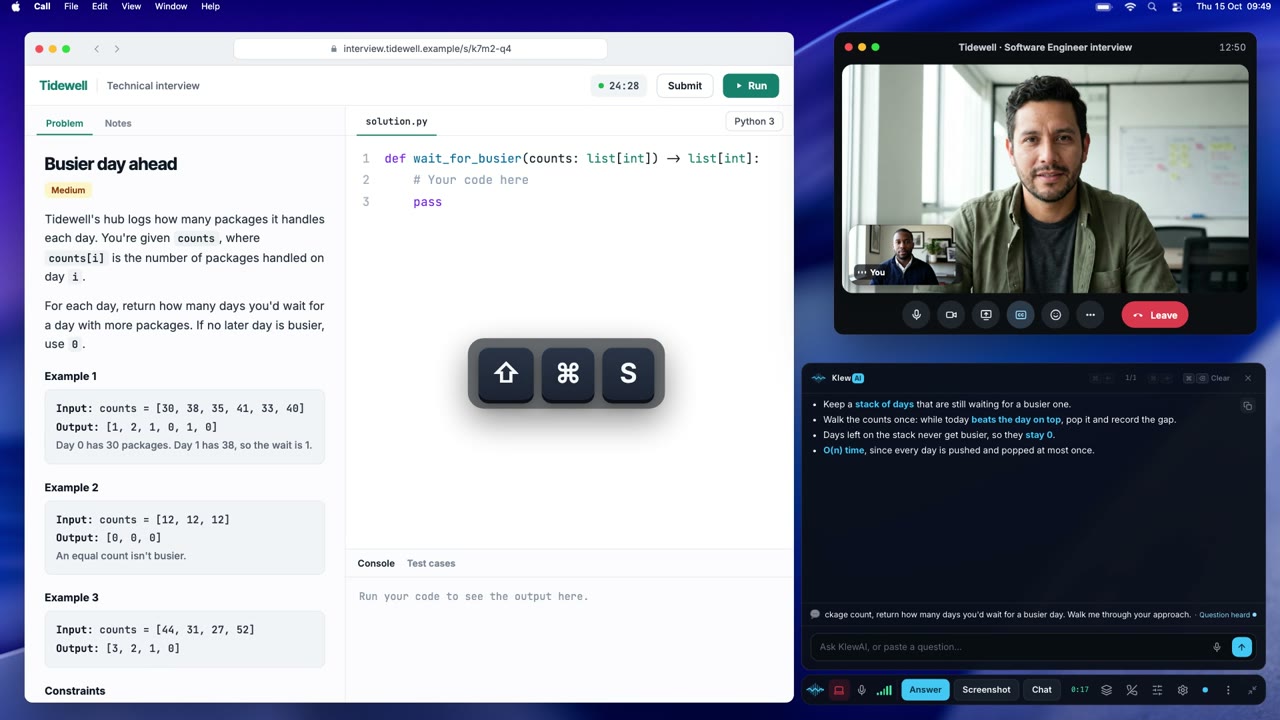
Once your session starts, the KlewAI bar appears on your screen. The red light means it's listening to the interviewer.
Interviewer: Tell me about a time you had to deliver a project on a really tight deadline.
When a question comes in, KlewAI writes your answer in seconds. Just read it, and say it in your own words.
Want an answer right now? Click Answer, or press Command and Return. For a different take, press Shift, Command and Return.
Press Option, Command and minus to make it more see-through, so it never gets in your way. And Stealth is on by default, so KlewAI stays out of your screen shares.
When the interview's over, click End session. That's it. You're ready.