Tutorial 01 · 0:55
Set up KlewAI
From klewai.com to your first session on a Mac: download KlewAI, move it to Applications, sign in with your browser and give it the two permissions it needs.
Plays from YouTube. By pressing play you agree to the YouTube Terms of Service and our Privacy Policy.
Transcript
Here's how to set up KlewAI on your Mac, from download to your first session.
Go to klewai.com and click Download at the top right. Then pick the build that matches your Mac. Open the file, and drag KlewAI into your Applications folder.
Open KlewAI from Applications. The first time, your Mac asks if you're sure you want to open it.
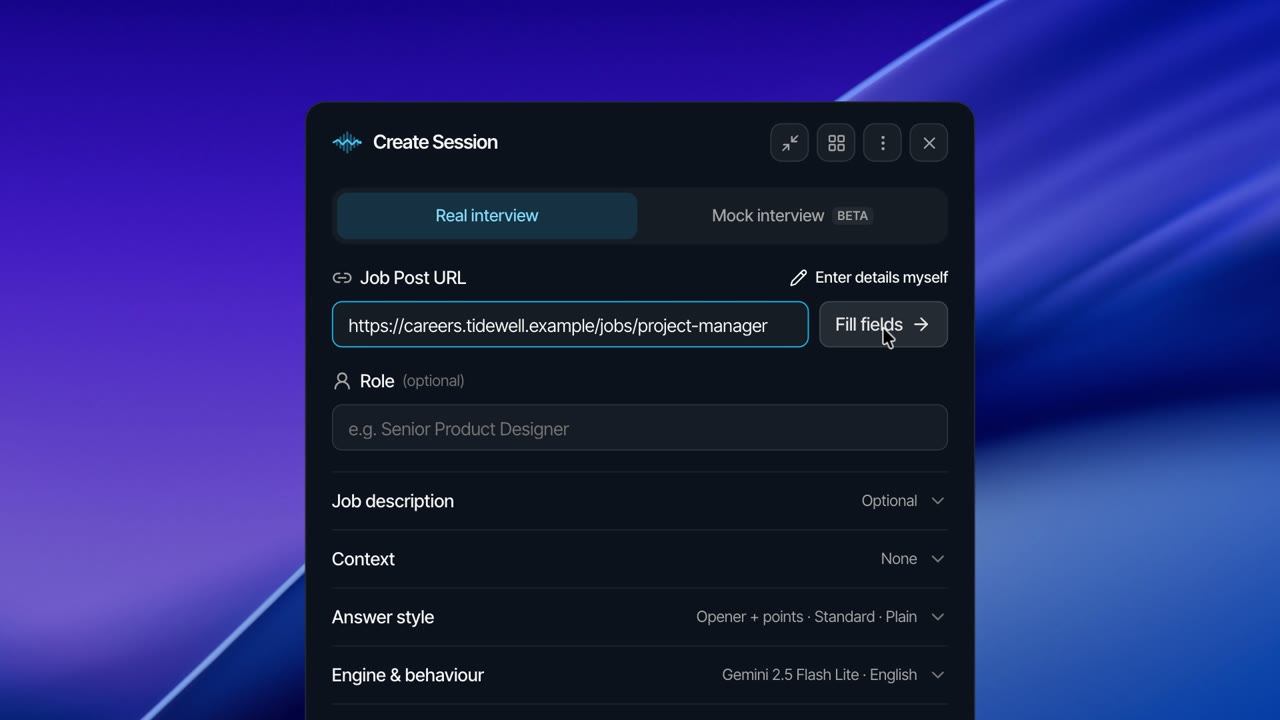
Click Log in. Sign in with your browser, and you're sent straight back to the app. Then open Audio and permissions. If anything needs attention, click Open Settings and allow KlewAI.
Once Audio and permissions says Ready, you're all set for your first interview.
KlewAI stays out of your Dock. To bring it back after you close it, open it again from Applications.